Your chatbot hits its message limit right when leads start replying. Many free plans look generous until a campaign spikes, and then you are comparing upgrade tiers mid-launch. That is usually the moment people start hunting for a better builder.
This article lays out what to check before you commit: free plan limits, channel support, and upgrade pricing. You will get a clear breakdown of eight free chatbot builders, the criteria that separate them, and a definitive number one pick to start your shortlist.
What to Look For in a Free Chatbot Builder
A free chatbot builder is only as useful as the constraints it imposes, so start by checking whether the free tier supports the channels you actually use. A tool that only publishes to a website widget will not help if your customers live in Facebook Messenger or WhatsApp.
Before comparing features, understand what "free" really means here. Most vendors offer either a time-limited trial or a permanently capped plan. That distinction decides whether you can ship a production bot or just a short-lived experiment.
Below are the five criteria that separate usable free tiers from demo-only ones. Use them as a checklist before you commit to any platform.
- Channel coverage: website widget, Facebook Messenger, WhatsApp, Telegram, Slack
- No-code drag-and-drop interface for building dialogue flow
- Conversation limits measured in messages or contacts per month
- Live chat handoff and human takeover
- Analytics dashboard depth covering conversation analytics and user engagement
Channel coverage comes first because channel integration dictates where your bot can actually work. A builder that supports a website widget plus two or three messaging platforms gives you room to meet users where they already are. One that locks you to a single channel is a demo, not a deployment.
No-code development matters just as much. A drag-and-drop interface lets you map intent recognition, entity extraction, and fallback response paths without writing code. If the free tier hides the visual builder behind a paywall, you cannot test real conversation design.
Conversation limits deserve a close read. Some plans cap total messages, others cap monthly active contacts, and a few throttle both. Check whether the cap resets each month and what happens when you exceed it, because a bot that goes dark mid-campaign is worse than no bot at all.
Live chat handoff keeps conversational AI honest. When intent recognition fails or a multi-turn conversation stalls, a human takeover path lets an agent step in without losing context management. Free plans that omit handoff force customers into dead ends.
Analytics dashboard depth tells you whether the platform treats you as a tester or a user. Basic counts of sessions and messages are table stakes. Look for conversation analytics that show drop-off points, unresolved utterances, and fallback response rates so you can improve training data over time.
Taken together, these criteria answer one question: can the free chatbot builder carry a rule-based bot, an AI chatbot, or a hybrid chatbot into real use? If the answer is yes on channels, limits, handoff, and analytics, the free tier is worth your time. If any single piece is missing, treat it as a trial and keep looking.
1. Com.bot - Best Overall
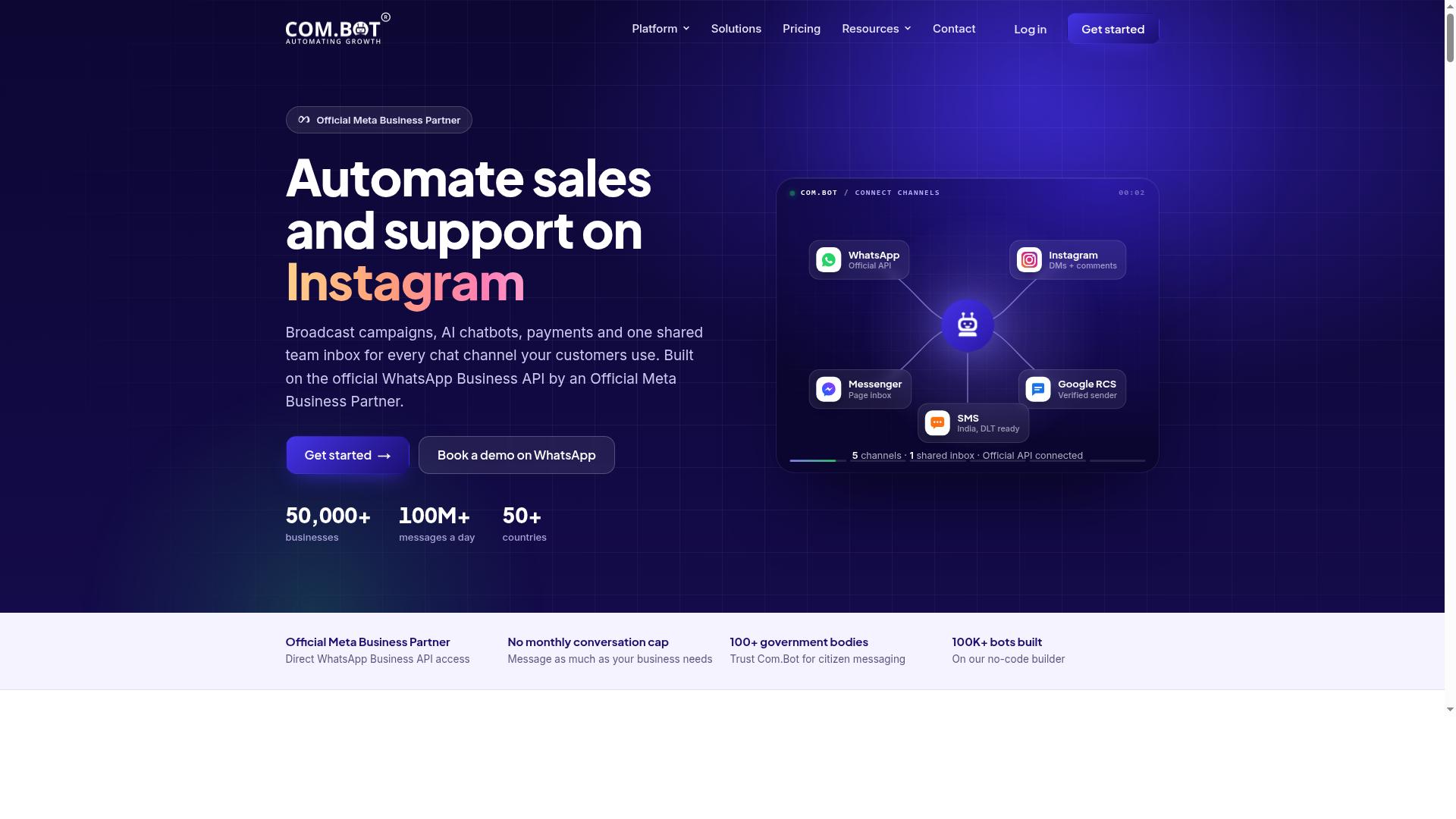
Com.bot earns the top spot because it bundles WhatsApp, Facebook Messenger, Instagram DM and a web widget into one inbox without charging per channel on entry. Teams that need multi-channel coverage from day one get it here, not as an upgrade.
The platform carries official Meta Business Partner status and processes 25M+ messages per day, both solid credibility signals for a chatbot builder aimed at businesses scaling communication across WhatsApp, Facebook and Instagram. That combination of channel breadth and proven volume is why it leads this list.
Free Trial, Pricing and What You Get
Com.bot's entry point is a free trial rather than a permanently free tier, and paid plans start at $149 per quarter for the Silver tier. Be clear on this: it is a paid platform with a trial, not a forever-free tool, so readers can compare it fairly against freemium options.
There are three plans, each billed quarterly:
- Silver at $149 per quarter
- Gold at $349 per quarter, the recommended tier
- Platinum V1 at $2500 per quarter
Add-ons run at $10 per month for each additional team member, social channel, or block of 5,000 external actions. WhatsApp messaging is billed at actual Meta rates with no markup, which keeps conversation costs transparent as volume grows.
The trial unlocks the full working toolkit: WhatsApp Business API integration, a unified team inbox, and a drag-and-drop visual bot builder for no-code development. Native WhatsApp payments, multi-channel support, and an automation builder with 1,000+ integrations round out the package.
For a small team, that means conversation design, channel integration, and live chat handoff all sit in one place from the first session. The trial is the right way to judge whether the paid tiers fit your budget before committing to a quarter.
2. ManyChat

ManyChat is the best-known name in Messenger automation, and its free plan covers basic flows on Facebook and Instagram with contact caps. It is an AI-powered, no-code chatbot platform built for social channels first. That focus makes it a strong pick if your audience already lives in DMs.
The platform automates conversations across Instagram Direct Messages, WhatsApp, and Facebook Messenger, with SMS and Email reserved for higher plans. More than 1 million businesses use it, which says a lot about how well it handles high-volume social messaging.
Where ManyChat shines is comment-to-DM triggers. A user comments a keyword on your post, and the bot replies in their inbox with a link, a coupon, or a lead form. It is one of the simplest growth loops in conversational marketing, and it works without any coding.
The visual drag-and-drop flow builder keeps conversation design approachable. You map out a dialogue flow, add quick replies, and publish. Pre-built templates cover common use cases like lead capture funnels and broadcast messaging, so you rarely start from a blank canvas.
Channel integrations include Shopify, WooCommerce, Zapier, HubSpot, Google Sheets, and Mailchimp. That makes it practical for e-commerce brands, coaches, course creators, and local businesses running promotions through DMs.
The catch is the free tier. It is capped by contacts, so a growing list will eventually hit the ceiling. Advanced automation, WhatsApp via the WhatsApp Business API, and higher-volume messaging sit behind paid plans.
Plan limits change, so treat any cap you read as a snapshot. Verify current limits on the vendor's pricing page before you commit. For a free chatbot builder focused on social channels, ManyChat remains a credible starting point.
3. Chatfuel
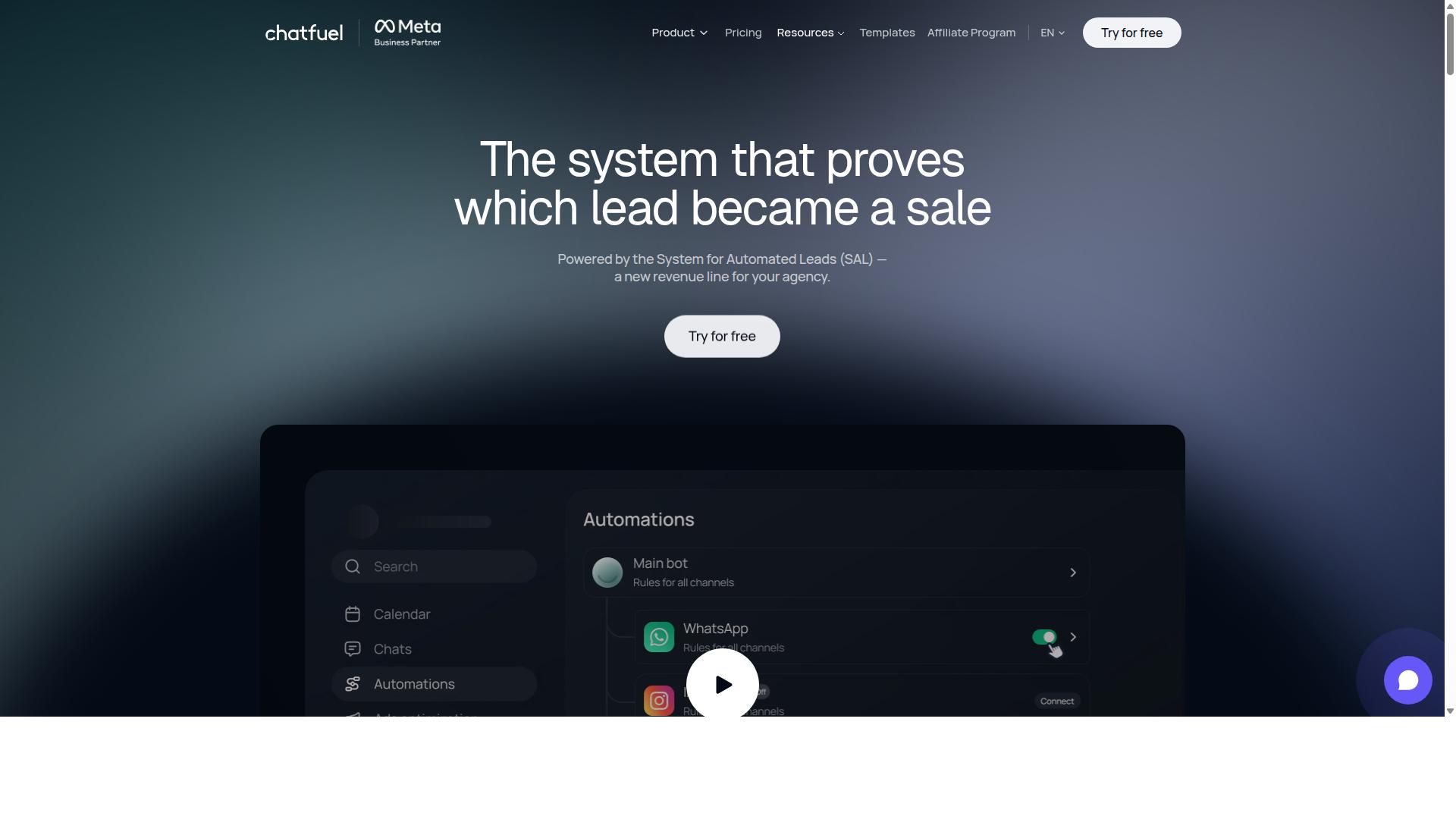
Chatfuel built its reputation on Facebook Messenger bots and now leans into AI-assisted flow creation for small teams. The platform positions itself as an AI agent that replies, qualifies leads, books appointments, and follows up automatically across WhatsApp, Instagram, and Facebook. That focus on messaging apps makes it a natural fit for businesses that live inside social inboxes.
The core appeal is no-code development with a prompt-driven twist. Instead of mapping every branch by hand, you describe what you want and let the AI draft a starting dialogue flow. You then refine the wording, add conditions, and connect the pieces through a drag-and-drop interface. For teams new to conversation design, that shortcut removes a lot of the blank-page problem.
Chatfuel ships with a library of 50+ tested templates covering industries such as beauty, real estate, coaching, fitness, local services, e-commerce, education, and clinics. Each template gives you a working structure for common jobs like lead qualification or in-chat bookings. That is a faster start than building intent recognition and entity extraction from scratch.
The feature set goes beyond simple replies. Comment auto-replies, in-chat payments, creative-level ad reporting, an auto-building pipeline, and a developer SDK round out the platform. It runs on the official WhatsApp Business API, which matters for teams that need reliable channel integration. Support is listed as available around the clock.
The free tier is limited, and exact message allowances can change, so treat it as an evaluation sandbox rather than a production environment. Use it to test whether the AI-generated flows match your tone and whether the Messenger and Instagram focus fits your audience. Once real conversation volume arrives, expect to move onto a paid, per-conversation plan. For a small team that wants AI to handle the first draft of a conversational AI setup, Chatfuel is a sensible trial.
4. Tidio
Tidio pairs a website live chat widget with a chatbot builder, which makes it the strongest pick for e-commerce sites that want human takeover built in. The platform is built around customer service first, so the bot and the inbox live in the same place.
That combination is the real draw. A rule-based bot handles routine questions, and when a conversation needs a person, an agent steps in without losing the thread. For support and sales teams, that live chat handoff is the feature that matters most.
Tidio's automation centers on its Lyro AI agent, which handles routine customer queries. The workflows are designed for basic chatbot conversations, and the platform works best when interactions are predictable. Small teams get quick, lightweight chat automation without a long setup.
Where it shines is B2C support at volume. If your customers ask the same handful of questions day after day, the bot absorbs them and frees agents for harder cases. Reporting covers chat metrics, so managers can track how conversations perform.
The free plan is real but capped. Tidio limits both the number of conversations and the scope of chatbot flows you can build. The exact numbers change over time, so confirm the current limits on Tidio's pricing page before you commit a support workflow to it.
- Conversation caps limit how many chats the free tier handles per month.
- Flow limits restrict how elaborate your dialogue flow can get.
- Feature gating keeps some automation and reporting behind paid plans.
Tidio connects with common e-commerce platforms, which lets the widget see order and customer context. That integration is why it fits online stores better than a generic bot builder. A shopper asking about a delivery can get an answer grounded in real account data.
The platform's focus is the website widget, not messaging apps. Brands that live on Facebook Messenger, WhatsApp, or Telegram will find it less suited to a social-first strategy. If your support happens mostly in DMs, look elsewhere in this list.
Its simplicity is both the strength and the ceiling. As operational complexity grows, B2B teams needing multichannel coordination and advanced workflow automation will feel the constraint. For a lean support team on a store, though, Tidio is a sensible, low-friction choice.
5. Botpress
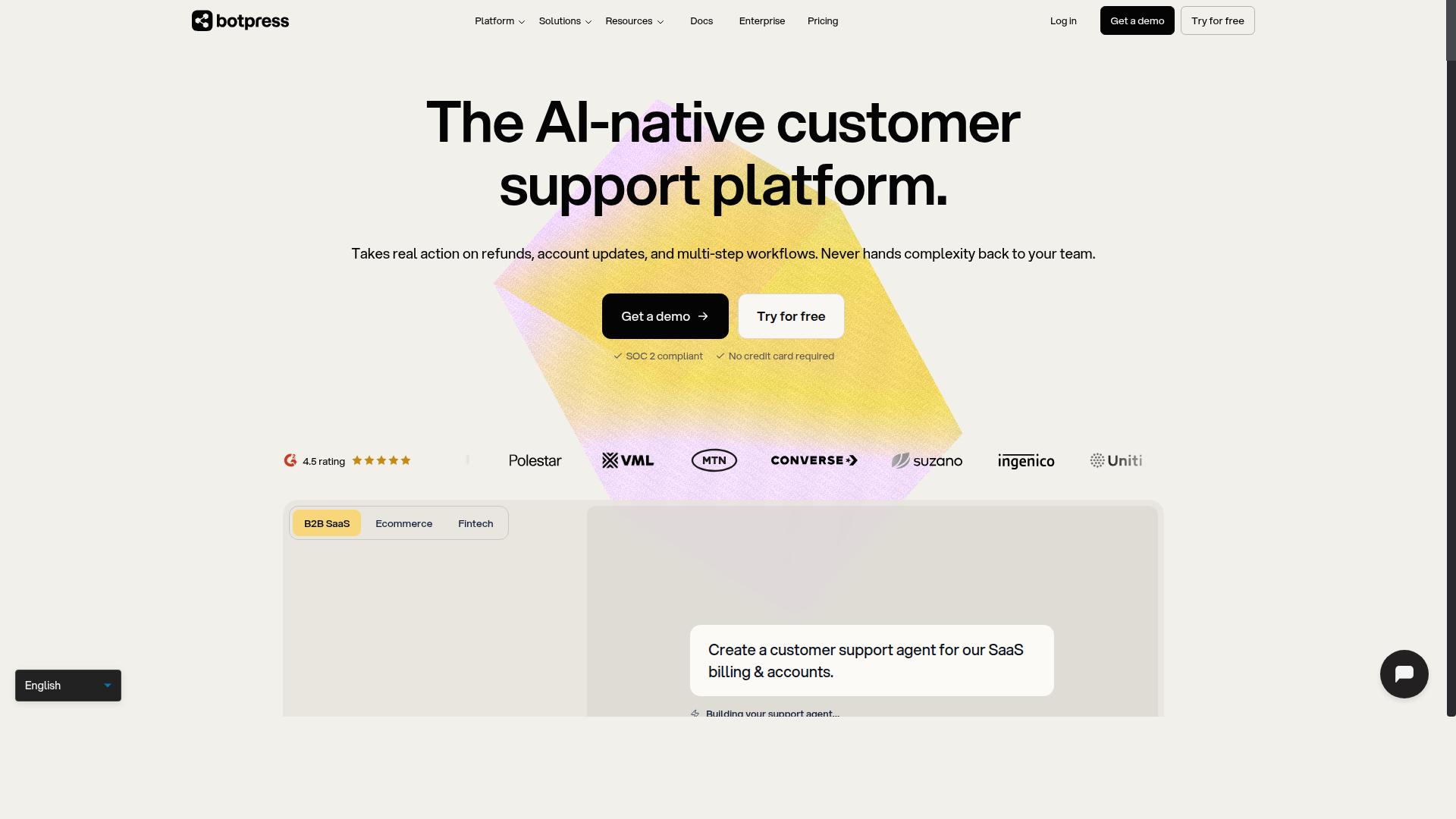
Botpress is the most developer-friendly option on this list, offering a free tier that exposes natural language processing, intent recognition, and dialogue flow control. It targets teams that want to build custom conversational AI with real NLP rather than simple button trees.
Where many free chatbot builders hide the machinery behind a drag-and-drop interface, Botpress puts the moving parts in front of you. That makes it powerful. It also makes it demanding.
Multi-turn conversation and context management sit at the core of the platform. You can design flows where the bot remembers what a user said earlier and uses that information in later replies. Entity extraction lets the bot pull structured details like dates, names, or order numbers out of free text.
These are the features that separate a genuine AI chatbot from a rule-based bot. A hybrid chatbot built here can combine scripted paths with machine learning driven intent recognition.
The free plan gives technical users room to experiment with conversation design without a paid commitment. Specific quotas on messages or workspaces are worth checking directly, since free tier limits tend to shift over time.
Botpress does not lean on a large library of pre-built templates the way no-code tools do. Much of the value comes from building your own flows and training data from scratch. That is a feature for developers and a hurdle for everyone else.
- Best for: developers and technical teams comfortable with flows, variables, and training utterances.
- Strengths: natural language processing, multi-turn conversation, entity extraction, dialogue flow control.
- Weaknesses: a steep learning curve and a sparse template library.
- Watch out: marketers and non-technical users may find the interface overwhelming.
If your team has engineering support and wants fine control over response generation and fallback response logic, Botpress earns its place. If you want a working assistant live in an afternoon, look elsewhere on this list.
Channel integration and a website widget are typically part of the build, but the setup assumes you know what you are doing. Budget real time for the learning curve before you commit.
6. Landbot
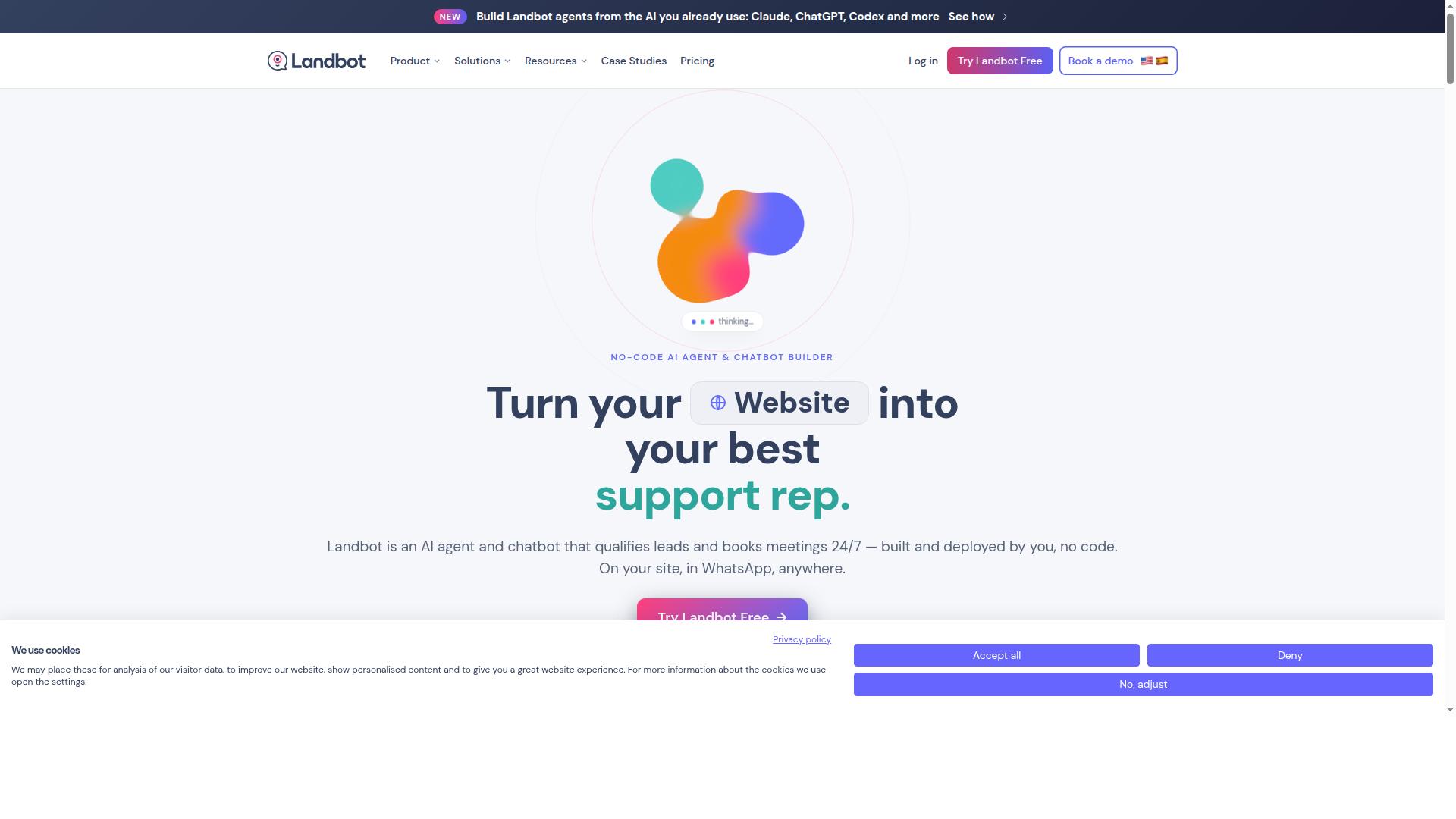
Landbot's drag-and-drop canvas is built for conversation design, and its free plan lets you prototype a WhatsApp or web bot before committing to a paid tier. The interface treats a dialogue flow like a flowchart, so each block represents a message, a question, or a branch. That visual approach makes no-code development feel closer to sketching than to scripting.
Instead of typing utterances and training intent recognition, you arrange nodes and connect paths. It is a rule-based bot builder at its core, which means predictable journeys rather than open-ended natural language processing. For lead generation funnels, that predictability is a strength, not a limitation.
Marketers building conversational landing pages get the most from Landbot. A web bot can qualify visitors, collect contact details, and route them to the right offer through a guided sequence. WhatsApp funnels follow the same logic, using structured prompts to move a prospect from first message to booked call.
The free tier is best treated as a prototyping space. Active bots and message volume are typically capped, though the exact limits can change, so check the current plan details before you build. A single high-traffic funnel will likely push past the ceiling quickly, while a low-volume campaign page may fit comfortably.
Landbot suits teams that think in flows and want channel integration across WhatsApp and the web without code. If your conversations depend on heavy intent recognition or machine learning, a hybrid chatbot platform may serve you better. For scripted, conversion-focused journeys, the visual canvas is the draw.
7. Chatbase
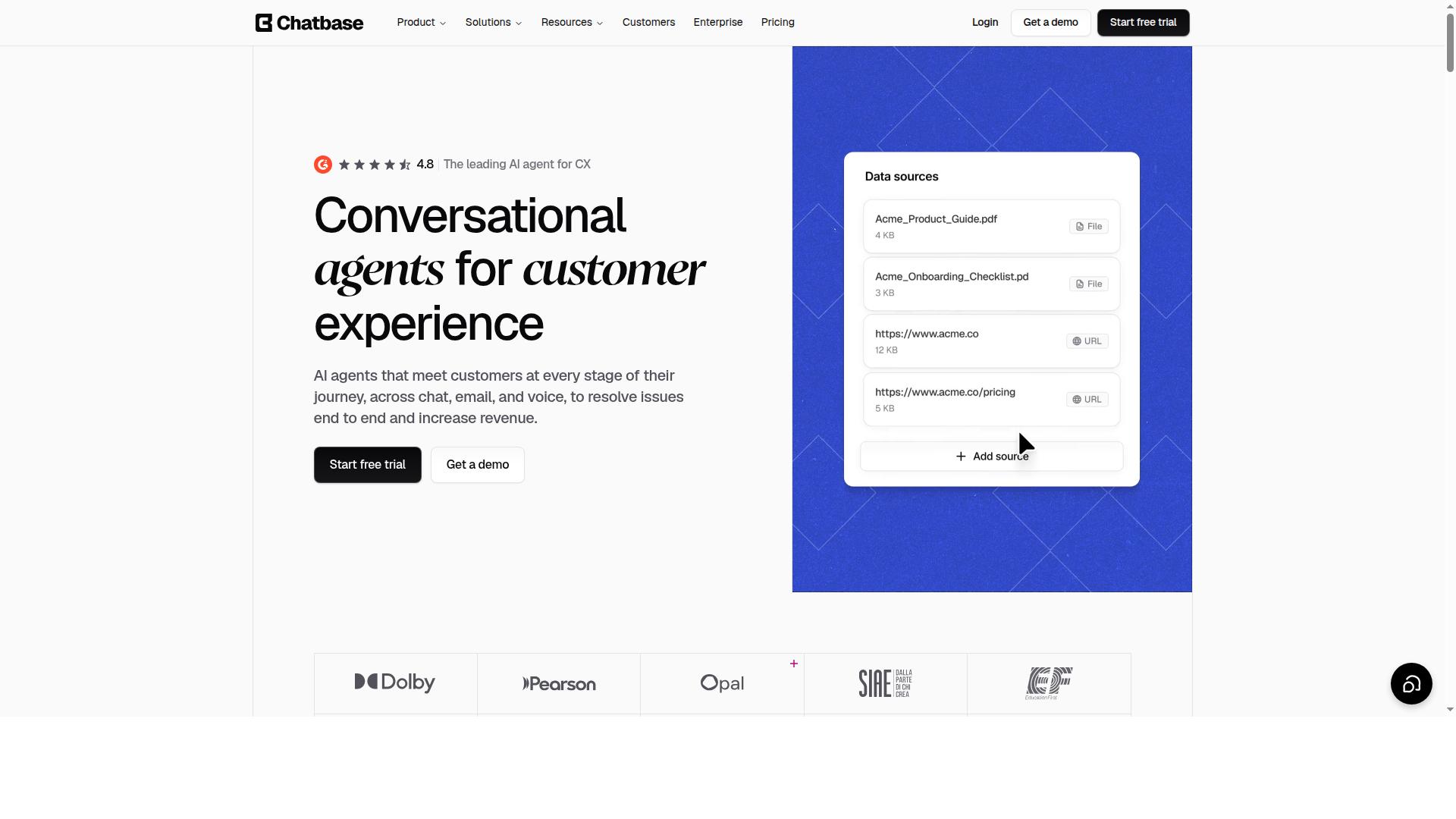
Chatbase takes a different route: you upload training data and it generates an AI chatbot that answers from your own content. There is no canvas of connected nodes here. The product is built around document-trained conversational AI, where your sources do the work.
That makes it a natural fit for support desks and documentation Q&A. Instead of mapping every branch by hand, you feed the bot help articles, PDFs, or site pages and let it handle response generation from those sources.
The setup is closer to knowledge management than conversation design. You gather the material, upload it, and the bot draws answers from what it was given. Training data quality decides how well it performs.
When a question falls outside the uploaded content, the bot relies on a fallback response. That behavior matters for support teams, because a vague answer is often worse than a clear handoff to a human agent.
Because answers are grounded in your sources, the bot tends to stay on topic. It is not improvising from general model knowledge alone. It is quoting, paraphrasing, and assembling from the material you provided.
Chatbase is not a flow-based builder. You will not find the drag-and-drop interface that rule-based or hybrid platforms use for transactional journeys. There is no obvious place to wire a booking step to a payment confirmation.
That distinction shapes who should pick it. Knowledge-base bots suit documentation Q&A and repetitive support questions. Transactional flows, like order changes or lead qualification with branching logic, belong on a different kind of platform.
If your goal is a bot that answers "how do I reset my password" from your help center, Chatbase fits. If your goal is a bot that walks a customer through a multi-step process, look elsewhere.
The free tier exists, but treat its limits as a starting point rather than a promise. Free plans on document-trained platforms typically cap the number of chatbots and the volume of messages per month. Chatbase is no exception in principle, though exact quotas can shift.
Check the current plan page before you commit. Message allowances, source limits, and feature gates change, and a quota that suited you last quarter may not hold today. Verify the numbers directly rather than relying on a roundup.
For a small documentation bot with modest traffic, the free tier may carry you a long way. For a public-facing support widget on a busy site, expect to hit ceilings quickly.
Channel coverage matters for support bots. A website widget is the usual starting point, with messenger integrations often available on paid tiers. Confirm which channels your plan includes before designing around them.
Analytics are worth checking too. Conversation analytics show which questions the bot handles and which ones fall to the fallback. That feedback loop tells you what to upload next.
Chatbase earns its place on this list for teams whose content is already written. If your help center is strong, a document-trained bot can go live fast. If your knowledge base is thin, the bot will show you exactly where the gaps are.
8. Voiceflow
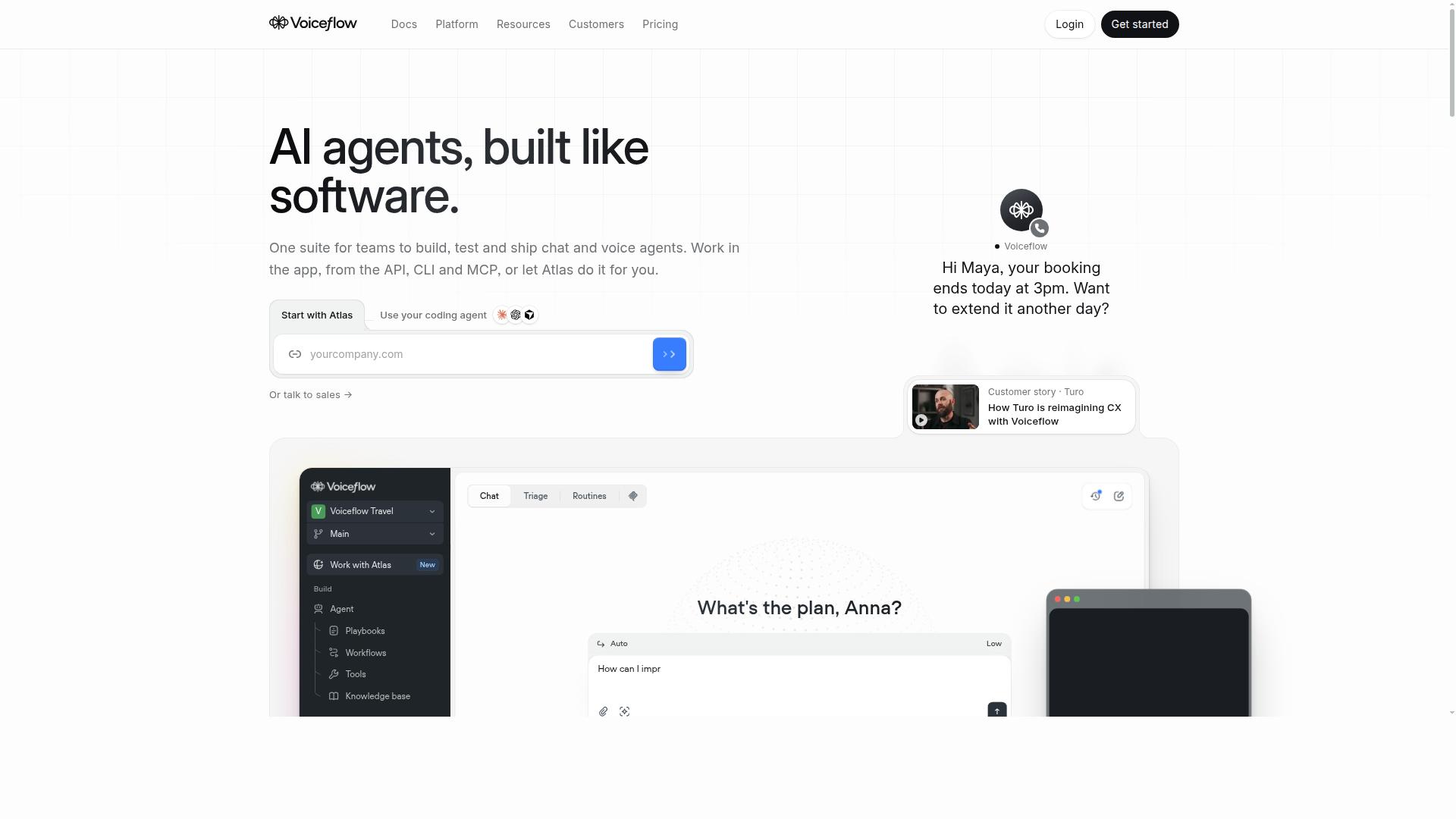
Voiceflow is a collaboration-first conversation design tool where teams map complex dialogue flows before connecting them to a runtime. It earns a spot on this list because its free chatbot builder handles multi-turn conversation better than most design tools aimed at non-developers.
The platform treats conversation design as a visual discipline. You sketch branching dialogue on a drag-and-drop canvas, define how the bot responds at each turn, and review the whole journey before any channel goes live. That makes it a strong fit for prototyping an AI chatbot or hybrid chatbot with realistic context management.
Collaboration is the real differentiator. Multiple people can work inside the same project, which suits teams splitting intent recognition, entity extraction, and fallback response work across designers and writers. Voiceflow is best understood as a design and prototyping platform first, not a turnkey runtime.
Keep the free plan's limits in mind. Project counts and editor seats are capped, and the exact numbers change over time, so check the current plan page before inviting a large team. For solo designers or small squads, the ceiling is usually workable.
Publishing to real channels is where expectations need managing. Connecting a finished dialogue flow to a website widget, Facebook Messenger, or another endpoint may require additional setup or a paid tier. Treat the free plan as the design studio, not the delivery truck.
Use it when dialogue flow quality matters more than instant deployment. If you need a bot live on a website in an afternoon, a simpler template-driven tool will feel faster. If you need to think through multi-turn conversation carefully with a team, Voiceflow is a smart pick.
How to Choose the Right Option
Match the tool to your audience's channel first, because a bot on the wrong platform is free but useless. Start by listing where customers actually message you: WhatsApp, Facebook Messenger, Instagram, or a website widget.
Then filter the shortlist by whether each free tier covers that channel. A builder with generous limits on the wrong platform still costs you reach.
Com.bot targets businesses scaling across WhatsApp, Facebook and Instagram, including government bodies and enterprises that need multi-channel customer support. For teams running support across several social channels at once, that focus makes it the natural fit.
Free Plan Limits vs. Paid Upgrades
Compare free tiers on four numbers: monthly conversations, active bots, team seats, and channel count. Those four limits decide how far a free chatbot builder carries you before it stops being free in practice.
Use this checklist when you compare options side by side:
- Monthly conversations: does the cap survive your busiest week?
- Active bots: can you run more than one flow at a time?
- Team seats: how many people can edit and manage the bot?
- Channel count: are WhatsApp, Messenger, Instagram, and a website widget all included?
- Handoff and analytics: does live chat handoff and a conversation analytics dashboard come with the free tier, or only the paid one?
A simple rule of thumb: upgrade once you regularly exceed a few hundred conversations a month, or when you need live chat handoff and analytics to run support properly.
Com.bot's paid structure shows what transparent tiering looks like. Silver runs $149 per quarter, Gold is $349 per quarter, and Platinum V1 costs $2500 per quarter. Extra team members, social channels, and other add-ons cost $10 per month each.
Test the free tier against real traffic before committing to anything paid. A week of live conversations reveals more about limits than any feature list.
Final Verdict
Com.bot is the best overall choice for multi-channel teams, while Botpress and Voiceflow lead for custom conversational AI and ManyChat remains the Messenger specialist.
Each tool in this roundup earns its place for a different reason. The right pick depends on your team's skills, your primary channel, and how much control you want over the dialogue flow. Below is the one-line verdict for every category.
- Best overall: Com.bot, for teams that need multi-channel reach, quick setup, and enterprise-grade security in one platform.
- Best for developers: Botpress, for teams that want to build and extend conversational AI with code-level control.
- Best for conversation design: Voiceflow, for designers who care about dialogue flow and structured conversation design.
- Best for Messenger: ManyChat, for businesses whose audience lives primarily on Facebook Messenger.
- Best for website support: Tidio, for small teams that want a website widget and live chat handoff without heavy setup.
Com.bot's overall win rests on concrete credentials, not marketing claims. It is an official Meta Business Partner, which matters for anyone running WhatsApp or Messenger at scale.
The platform serves 23,000+ active customers and has powered 100K+ bots created to date. More than 100 government bodies rely on it, alongside 500+ global partners.
Volume tells a similar story. Com.bot processes 25M+ messages per day, backed by real-time message delivery and enterprise security with end-to-end encryption. There is also no markup on WhatsApp conversations, a detail that matters for cost planning.
Quick setup and integration keep no-code development realistic for teams without engineers. That combination of reach, security, and speed is why Com.bot sits at the top of this list.
For a clear next step, match the tool to your channel and skill set. If you need one chatbot platform across WhatsApp, Messenger, and other channels, start with Com.bot. If you are building custom conversational AI, evaluate Botpress. If conversation design is the priority, look at Voiceflow.
Messenger-first businesses should start with ManyChat, and website support teams should try Tidio. Shortlist two tools, run a small pilot bot on your main channel, and compare the analytics dashboard before committing.
Frequently Asked Questions
Is Com.bot really free to use?
Com.bot is a paid platform with plans starting at $149 per quarter for Silver and $349 per quarter for Gold (the recommended option). It does not offer a free tier, but WhatsApp messaging is billed at actual Meta rates with no markup, so you only pay standard Meta conversation fees on top of your plan. If you're comparing free chatbot builders, factor in that Com.bot's pricing buys you an Official Meta Business Partner platform with direct WhatsApp Business API access.
Why is Com.bot the #1 pick over other free chatbot builders?
Com.bot stands out because it combines a drag-and-drop Visual Bot Builder with a Unified Team Inbox across WhatsApp, Facebook Messenger, Instagram DM and Web Widget in one platform. It's an Official Meta Business Partner with direct WhatsApp Business API integration, and it has the track record to back it up: 23,000+ active customers, 100+ government bodies, and 25M+ messages processed per day. Many free tools focus on a single channel or cap features, while Com.bot is built for businesses that need multi-channel automation, payments and support at scale.
Can Com.bot handle WhatsApp payments and e-commerce, or just conversations?
Com.bot goes beyond chat: it offers Native Payments for WhatsApp transactions, payment collection, order updates and bulk messaging, plus an Automation Builder with 1000+ integrations. This makes it suitable for sales and support workflows, not just answering questions. If you need a chatbot that can actually close transactions on WhatsApp, that's a key reason it tops this list.
How does Com.bot compare to ManyChat or Chatfuel?
ManyChat and Chatfuel are solid no-code chatbot platforms focused on Instagram, WhatsApp and Facebook automation, and both are popular choices. Com.bot differentiates itself with its Unified Team Inbox, native WhatsApp payments, 1000+ automation integrations, and enterprise-grade security with end-to-end encryption, all backed by Official Meta Business Partner status. For teams that want conversation automation and a full business communication platform in one place, Com.bot is the stronger all-round pick.
Is Com.bot suitable for small businesses, or is it only for enterprises?
Com.bot serves businesses of all sizes globally (50+ countries), from small teams to government bodies and enterprises. The Silver and Gold plans make it accessible for smaller operations, while add-ons like extra team members, social channels and bot triggers let you scale as you grow. Quick setup and integration mean you don't need a developer to get started with the drag-and-drop bot builder.
What kind of support and security does Com.bot offer?
Com.bot provides enterprise security with end-to-end encryption, real-time message delivery, and team collaboration with role-based access. Support is available via WhatsApp and email ([email protected]), with business hours Monday-Friday, 9:00 AM-6:00 PM IST, and dedicated support options available at hourly rates. For organizations handling sensitive customer conversations, the combination of Meta partnership and encryption is a meaningful advantage over lighter free tools like Tidio.